3D View
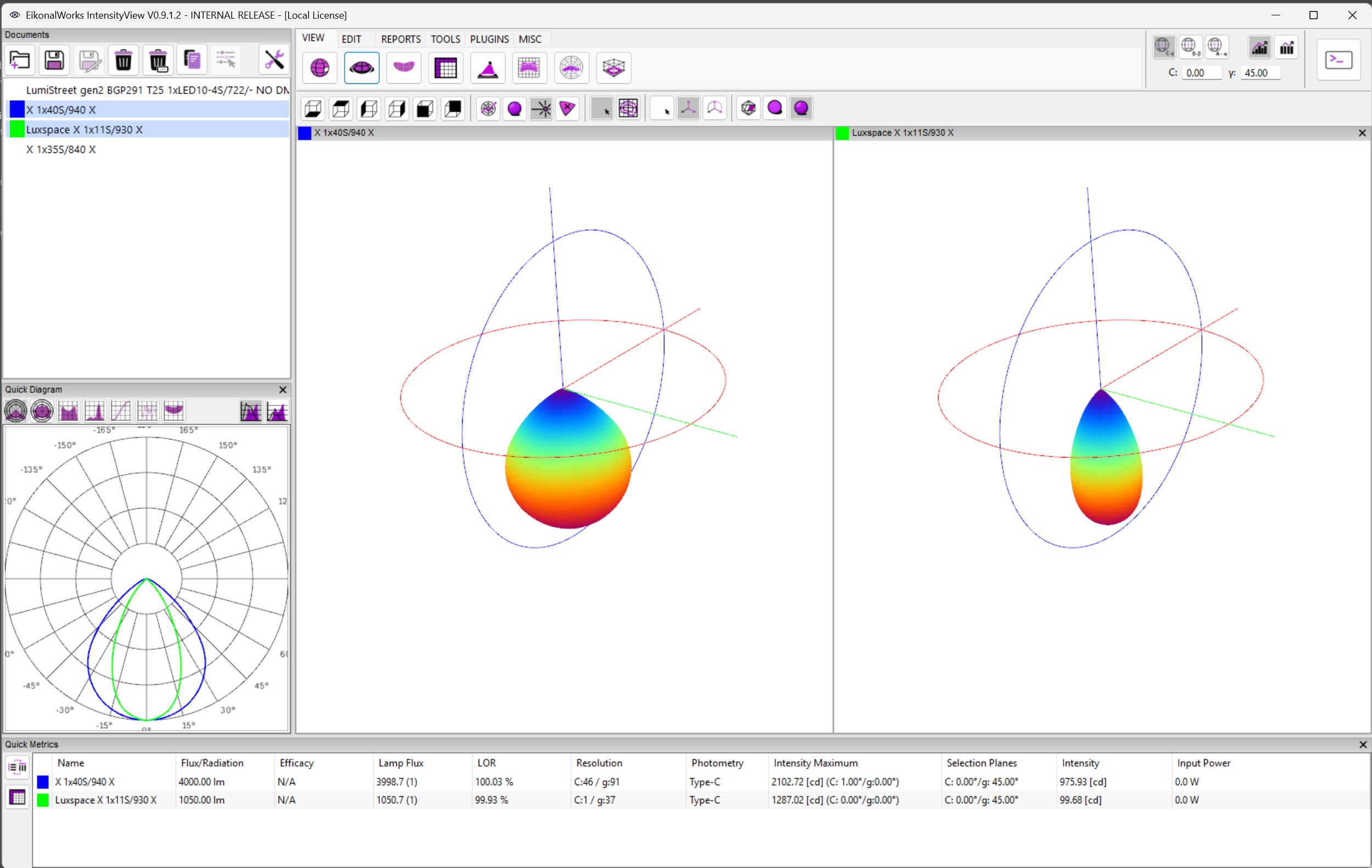
The 3D View shows the luminous intensity distribution as a three-dimensional shape. It is intended for inspecting the spatial beam volume, comparing multiple selected distributions, and checking how the mesh behaves in different rendering modes.
View Orientation
The orientation buttons rotate the camera to the standard bottom, top, left, right, front, and back directions. These buttons are view controls only and do not alter the photometry.
Display Mode
- Wireframe: shows the actual measured or stored mesh points in 3D space. This mode does not generate a geometric wireframe and does not duplicate points from symmetry.
- Shaded: draws the intensity shape as a shaded solid surface.
- False Color: colors the intensity shape with the active false-color scale.
- True Color: displays color data when the loaded intensity distribution contains color information.
Isoline Overlay
- No Grid: hides the overlay.
- Isolines: draws equal-intensity contours over the 3D distribution.
Axis Display
- No Axis: hides coordinate axes.
- Show Axis: displays the primary photometric axes.
- Show Axis + Circle: displays the axes and a reference circle.
Resolution
- By Mesh Definition: renders the distribution using the source angular mesh.
- By Mesh Definition + Interpolation: keeps the source mesh definition while interpolating between source samples.
- Smooth: creates a smoother visual surface.
Focus Selection
Clicking the 3D view updates the selected focus direction. The point is converted into the active photometric coordinate system and shared with the other view pages.