Sphere View
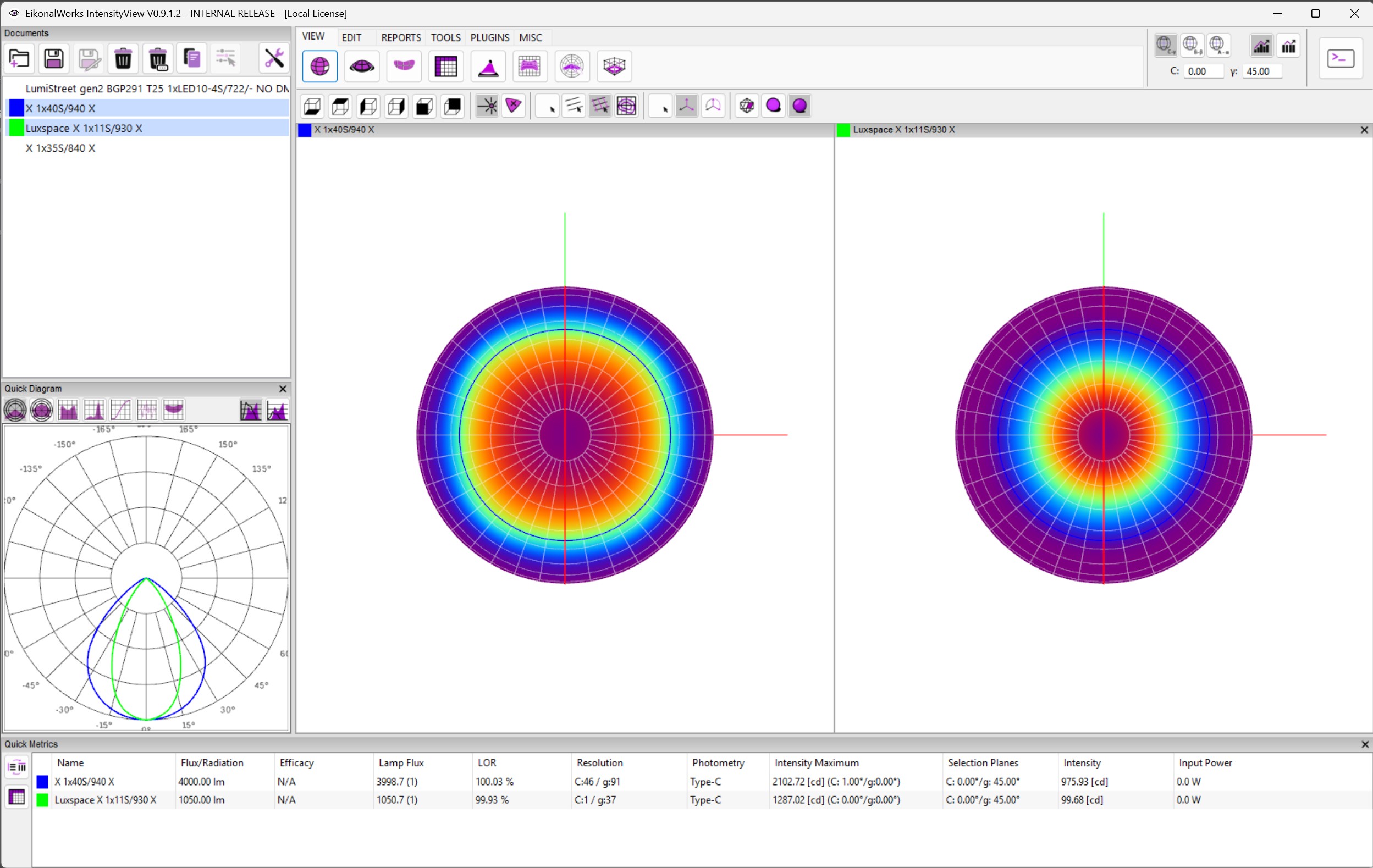
The Sphere View displays each selected intensity distribution on a photometric sphere. It is useful for checking beam shape, symmetry, color data, and the currently selected C/gamma focus direction in a compact 3D view.
View Orientation
The orientation buttons rotate the camera to the standard bottom, top, left, right, front, and back directions. These controls change only the viewing camera; they do not rotate or modify the intensity data.
Display Mode
- Luminous Intensity: draws the distribution with the active false-color scale.
- True Color: draws available color data directly on the sphere. If the loaded data has no color information, the view falls back to the available intensity information.
Grid And Isoline Overlay
- No Grid: hides angular reference lines.
- 30 deg Grid: shows a sparse angular grid.
- 10 deg Grid: shows a denser angular grid for detailed angular reading.
- Isolines: draws equal-intensity contours on the sphere surface.
Axis Display
- No Axis: hides the coordinate axis overlay.
- Show Axis: displays the primary photometric axes.
- Show Axis + Circle: displays the axes plus the reference circle.
Resolution
- By Mesh Definition: displays the mesh using the measured angular definition.
- By Mesh Definition + Interpolation: keeps the original mesh definition visible while interpolating between measurement points.
- Smooth: creates a smoother surface for visual inspection.
Focus Selection
Clicking the sphere updates the selected focus direction in the current photometric coordinate system. Other views and quick metrics that listen to the selected C/gamma position update from the same shared selection state.