Scale
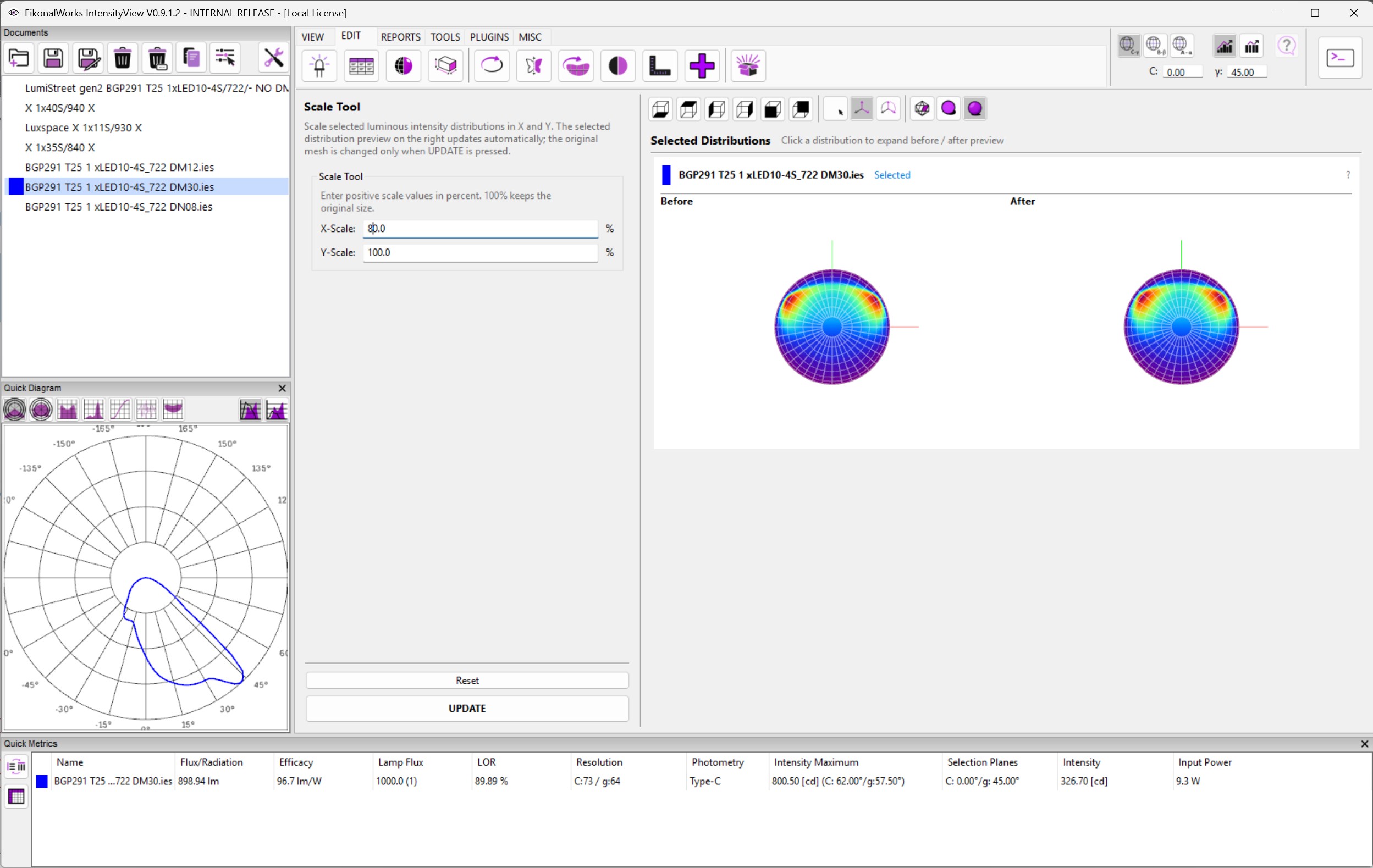
The Scale page scales selected luminous intensity distributions in the X and Y directions. It is intended for small beam-shape corrections where the distribution must be widened or compressed independently along two horizontal axes.
Controls
- X-Scale sets the scale factor in percent along X.
- Y-Scale sets the scale factor in percent along Y.
- Reset restores both values to 100 percent.
- UPDATE applies the scale to all selected non-result photometries.
Both scale values must be finite numbers larger than zero. A value of 100 percent keeps the original size. Values above 100 percent widen the distribution along that axis, and values below 100 percent compress it.
Algorithm
The tool converts the percentages to scale factors by dividing them by 100, then applies the X and Y factors to a working copy of the intensity mesh for preview. Pressing UPDATE applies the same mesh scaling operation to the selected photometries through the edit action.