Smoothing And Denoising
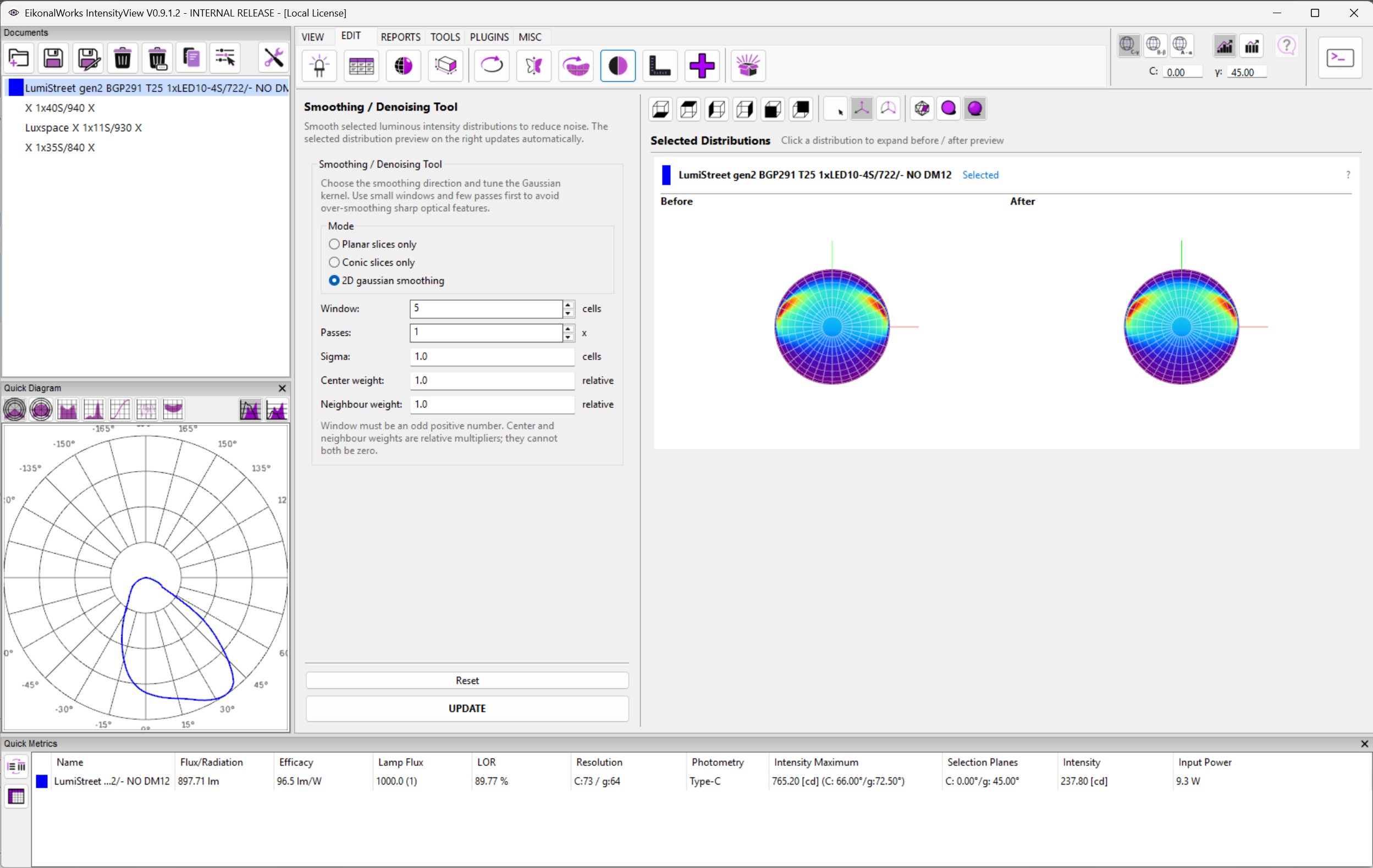
The Smoothing / Denoising page applies Gaussian smoothing to selected luminous intensity distributions. It is useful for reducing measurement noise while preserving the overall photometric shape.
Modes
- Planar slices only smooths along planar slices.
- Conic slices only smooths along conic slices.
- 2D gaussian smoothing smooths across both photometric axes.
Parameters
- Window is the kernel size in cells. It must be odd and at least 3.
- Passes repeats the smoothing operation and must be at least 1.
- Sigma controls the Gaussian falloff and must be larger than zero.
- Center weight scales the current cell's contribution and must be non-negative.
- Neighbour weight scales neighboring cells and must be non-negative.
Center weight and Neighbour weight cannot both be zero.
Preview And Commit
Changing a mode or parameter refreshes the after preview. Invalid input disables UPDATE. Reset restores 2D gaussian smoothing with a window of 5 cells, 1 pass, sigma 1.0, center weight 1.0, and neighbour weight 1.0. UPDATE applies the smoothing to all selected non-result photometries.
Measurement Stripe Example
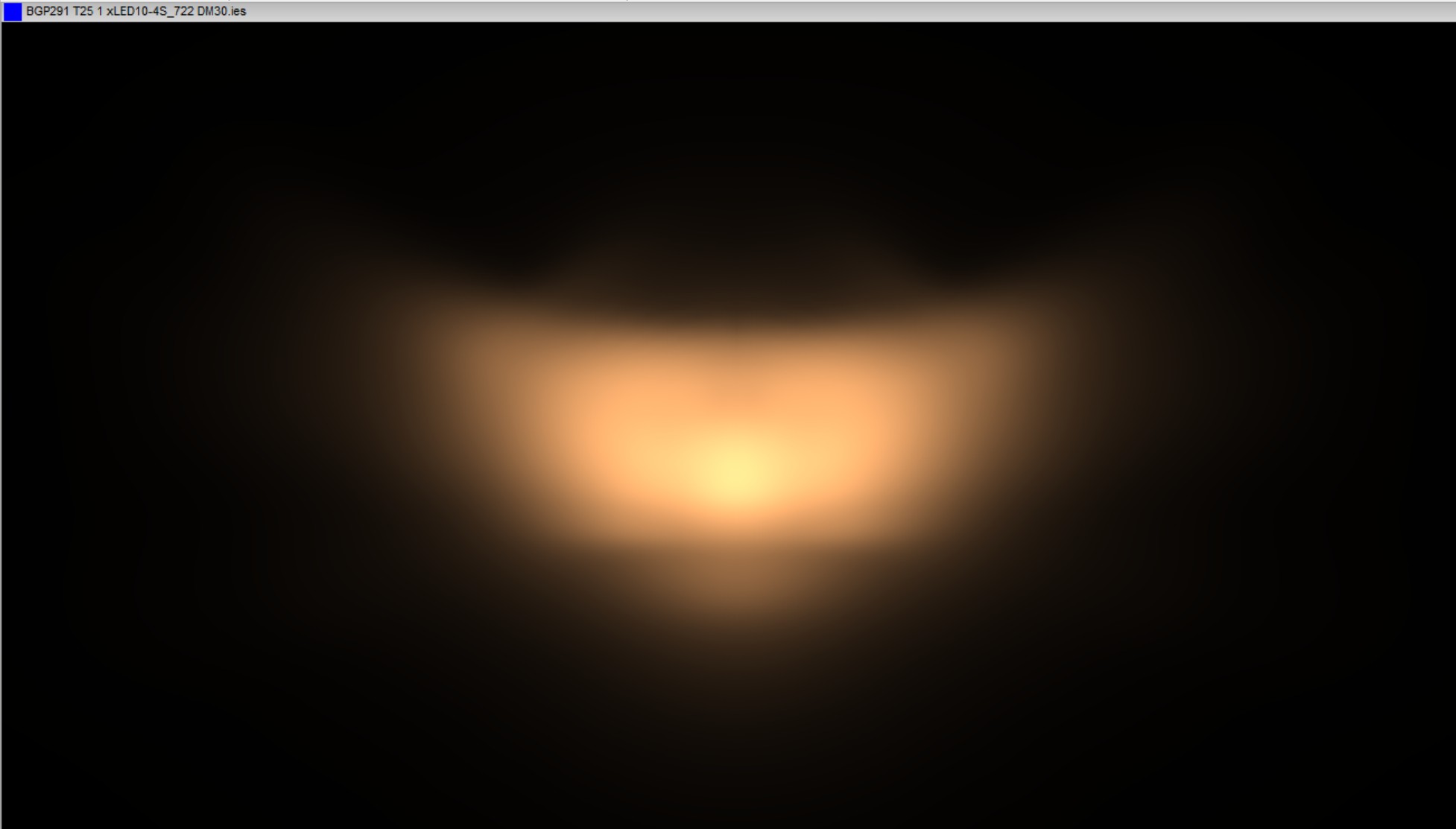
Some goniophotometer measurements create alternating up/down scan artifacts that are visible as stripes in an illuminance rendering.
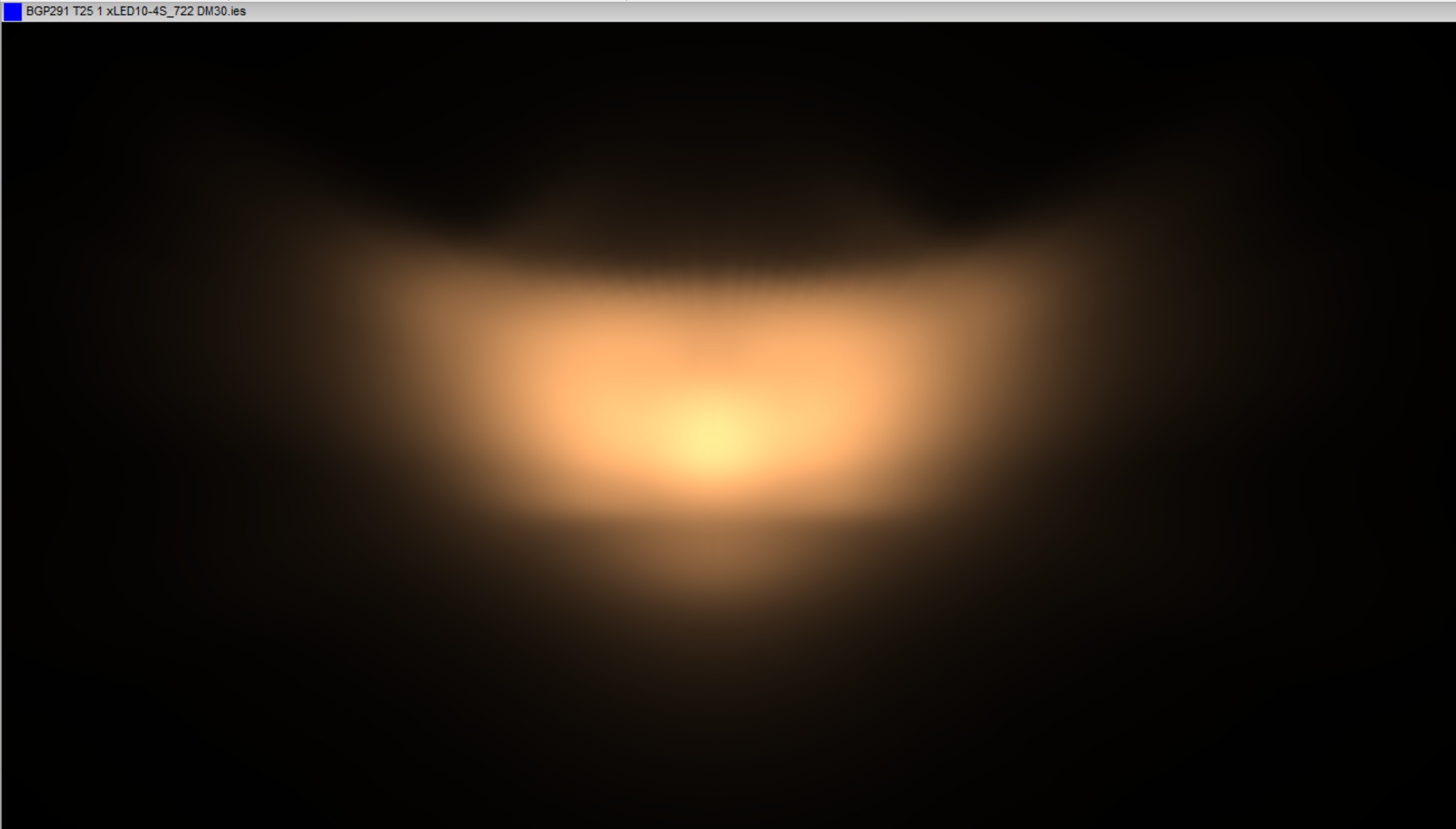
Applying a small smoothing pass can remove the jitter while keeping the intended beam shape.
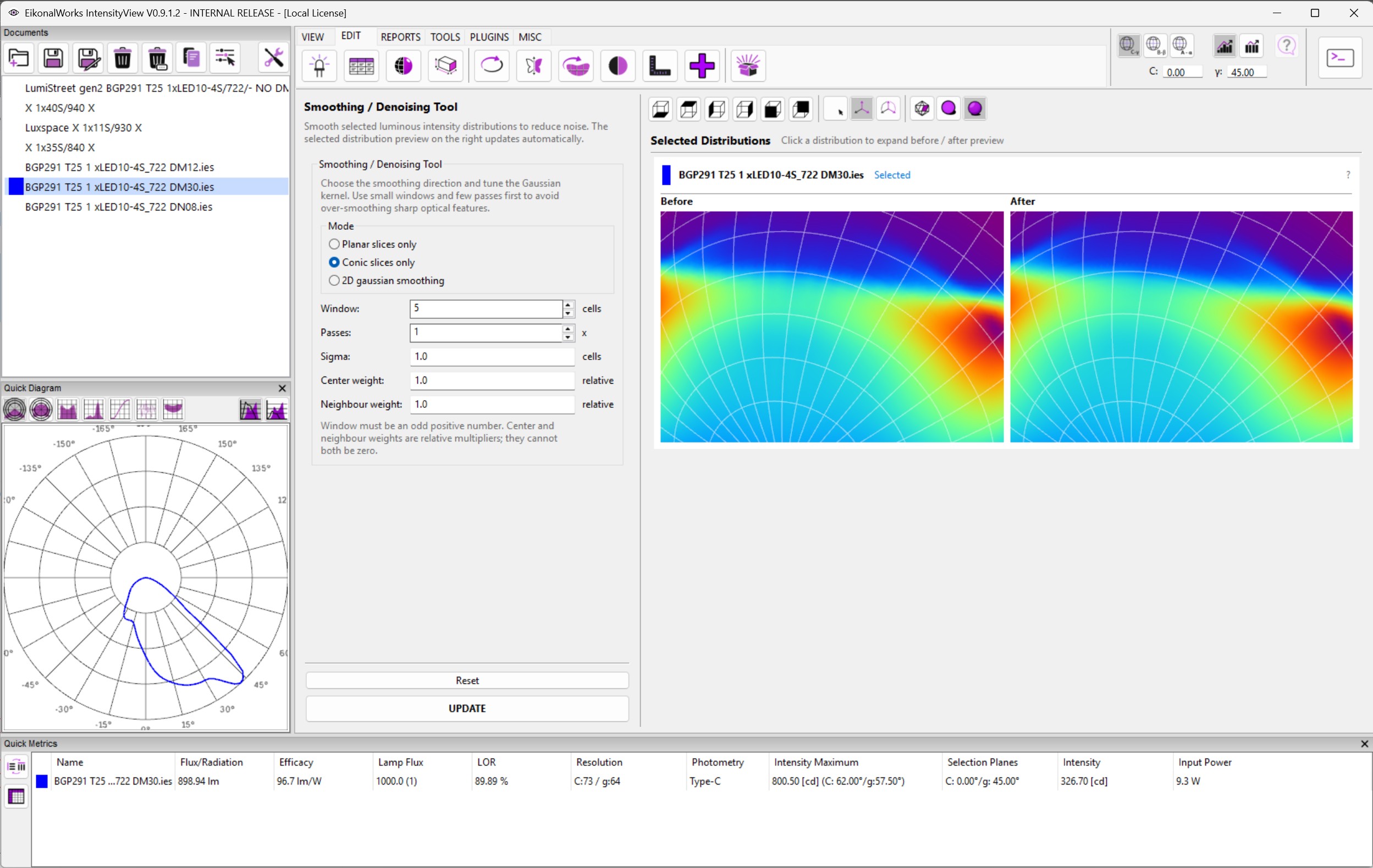
The corrected result is visible in the after rendering.