Symmetrize
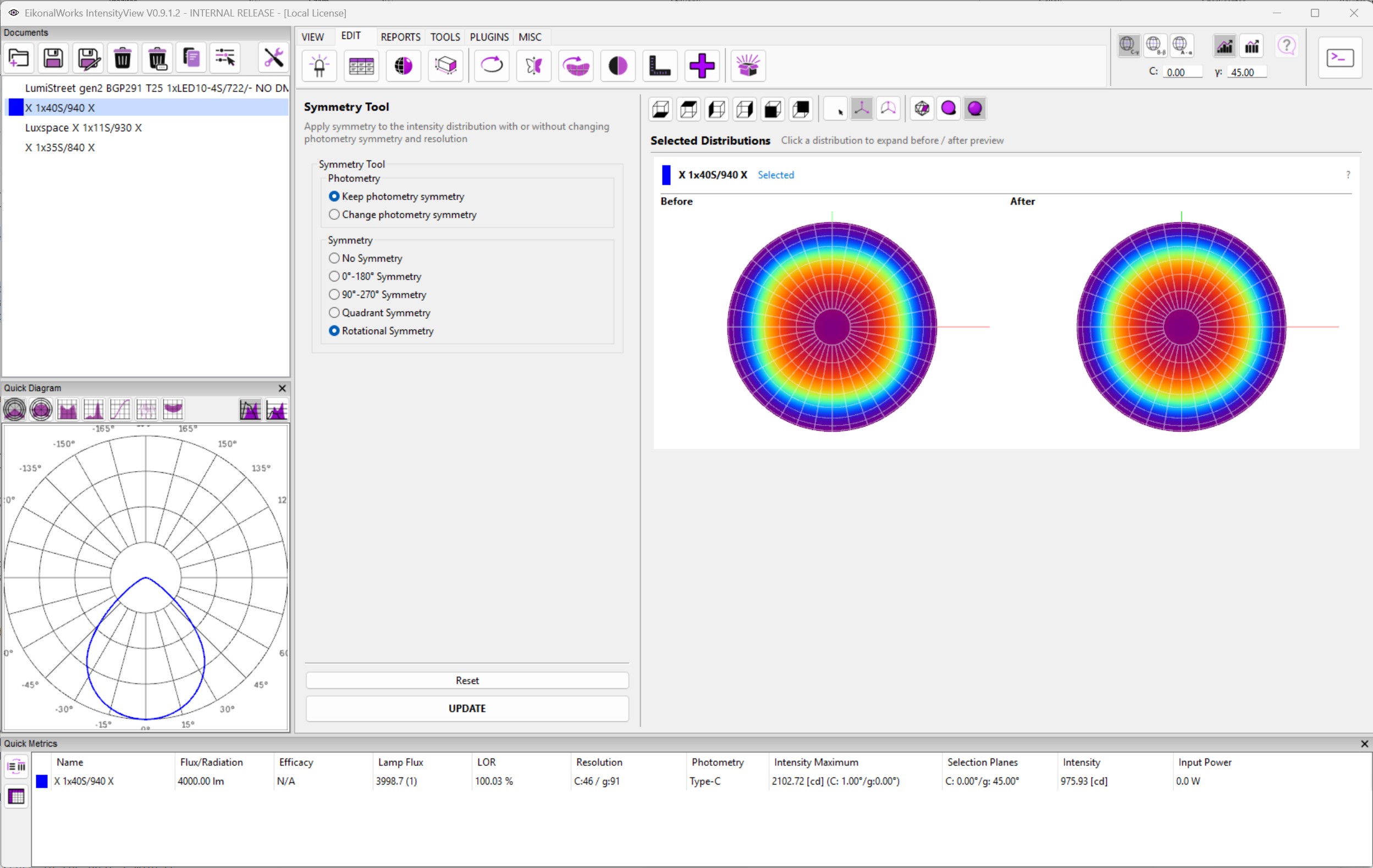
The Symmetrize page applies symmetry to selected intensity distributions and shows the result in a before/after preview.
Photometry Mode
- Keep photometry symmetry edits only the data point values. The original photometry type, angular resolution, and symmetry metadata are kept.
- Change photometry symmetry rebuilds the Type-C planar angle definition for the selected symmetry and resamples the data to that definition.
Use Keep photometry symmetry when the file structure must remain unchanged but measured values need to be mirrored or averaged according to a symmetry expectation.
Symmetry Type
- No Symmetry leaves the data without a symmetry constraint.
- 0-180 Symmetry mirrors or resamples around the 0 to 180 C-plane range.
- 90-270 Symmetry uses the 90 to 270 C-plane range.
- Quadrant Symmetry uses the 0 to 90 C-plane range.
- Rotational Symmetry uses a single C plane.
Preview And Commit
Changing the mode or symmetry type refreshes the after preview. Reset returns the page to Keep photometry symmetry and No Symmetry. UPDATE applies the selected symmetry operation to all selected non-result photometries. Change photometry symmetry is not supported for HEALPix data.